
Ever wondered how some businesses seem to have their workforce management running like clockwork? Or perhaps you’re curious about what makes modern attendance tracking so much more reliable than the old punch cards your parents used? Maybe you’re asking yourself whether it’s time to upgrade your current system to something smarter and more secure?
Biometric time attendance systems have come a long way from basic fingerprint scanners. Today’s advanced solutions offer a wealth of features that can transform how you manage your team’s attendance, payroll, and workplace security. From touchless recognition to cloud-based analytics, these systems are designed to make your life easier while keeping your data safe.
In this article, we’ll explore the cutting-edge features you should be looking for when choosing a biometric time attendance system. Whether you’re running a small business in Melbourne or managing multiple sites across Australia, understanding these advanced capabilities will help you make an informed decision. We’ll cover everything from multi-modal recognition to privacy considerations, giving you the knowledge you need to future-proof your workforce management.
What Is a Biometric Time Attendance System and How Does It Work?
Understanding the Basics of Biometric Technology
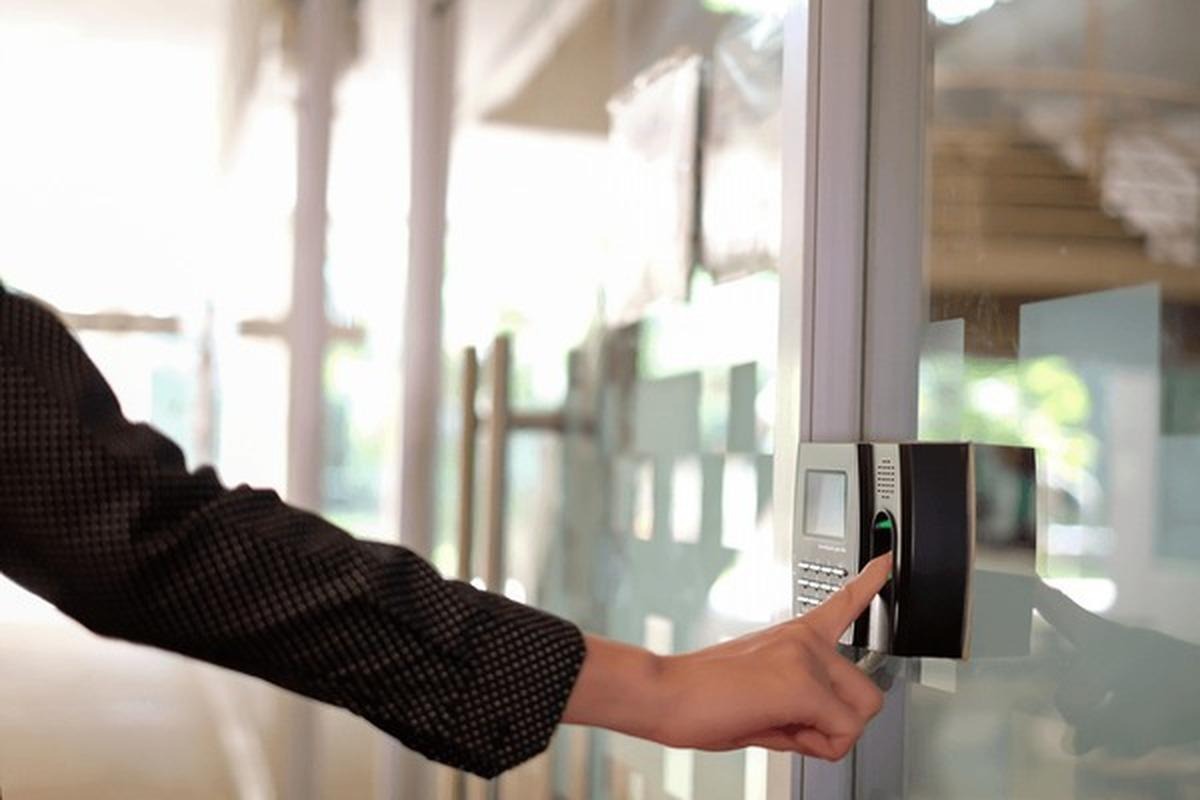
At its core, a biometric time attendance system uses unique physical or behavioural characteristics to identify employees. Unlike traditional methods that rely on cards, PINs, or passwords, biometrics verify who you actually are rather than what you know or carry.
The system captures and stores a digital template of each employee’s biometric data during enrolment. When someone clocks in or out, the system compares their live biometric scan against the stored template. If there’s a match, the attendance is recorded instantly.
Types of Biometric Identification Methods
The most common biometric methods include fingerprint scanning, facial recognition, iris scanning, and hand geometry. Each has its strengths. Fingerprint scanners are widely used due to their reliability and cost-effectiveness. Facial recognition has gained popularity, particularly after the pandemic increased demand for contactless options. Iris scanning offers exceptional accuracy but comes at a higher price point.
Key Advanced Features to Look for in a Biometric Time Attendance System
Multi-Modal Biometric Recognition
Multi-modal recognition combines two or more biometric methods for verification. Think of it as having multiple locks on your front door. An employee might use both fingerprint and facial recognition to clock in, dramatically reducing the chance of errors or fraud.
This approach is particularly valuable in challenging environments. Construction workers with worn fingerprints can fall back on facial recognition. Healthcare staff wearing gloves can use iris scanning instead. The flexibility means fewer failed authentication attempts and a smoother experience for everyone.
Cloud-Based Data Storage and Remote Access
Gone are the days of keeping attendance records on a single computer. Cloud-based systems store your data securely online, accessible from anywhere with an internet connection. This is brilliant for businesses with multiple locations or remote managers.
You can check real-time attendance data from your phone while travelling. HR teams can generate reports without being tied to the office. Plus, cloud storage means automatic backups and no worrying about losing data if your local hardware fails.
Real-Time Attendance Tracking and Reporting
Waiting until the end of the pay period to discover attendance issues is frustrating and costly. Real-time tracking alerts you immediately when something’s amiss. Late arrivals, early departures, and missed shifts pop up on your dashboard as they happen.
Advanced reporting tools let you analyse patterns over time. You might notice that Monday mornings consistently see higher tardiness rates, allowing you to address the issue proactively. Custom reports can be scheduled and emailed automatically, saving administrative hours every week.
Mobile App Integration and Geofencing Capabilities
For businesses with field workers or multiple sites, mobile app integration is essential. Employees can clock in using their smartphones, with GPS verification confirming they’re actually at the designated work location.
Geofencing takes this further by creating virtual boundaries around work sites. The system only allows clock-ins when the employee’s phone detects they’re within the designated area. This is particularly useful for Australian businesses managing teams across vast distances or multiple project sites.
Seamless Payroll and HR Software Integration
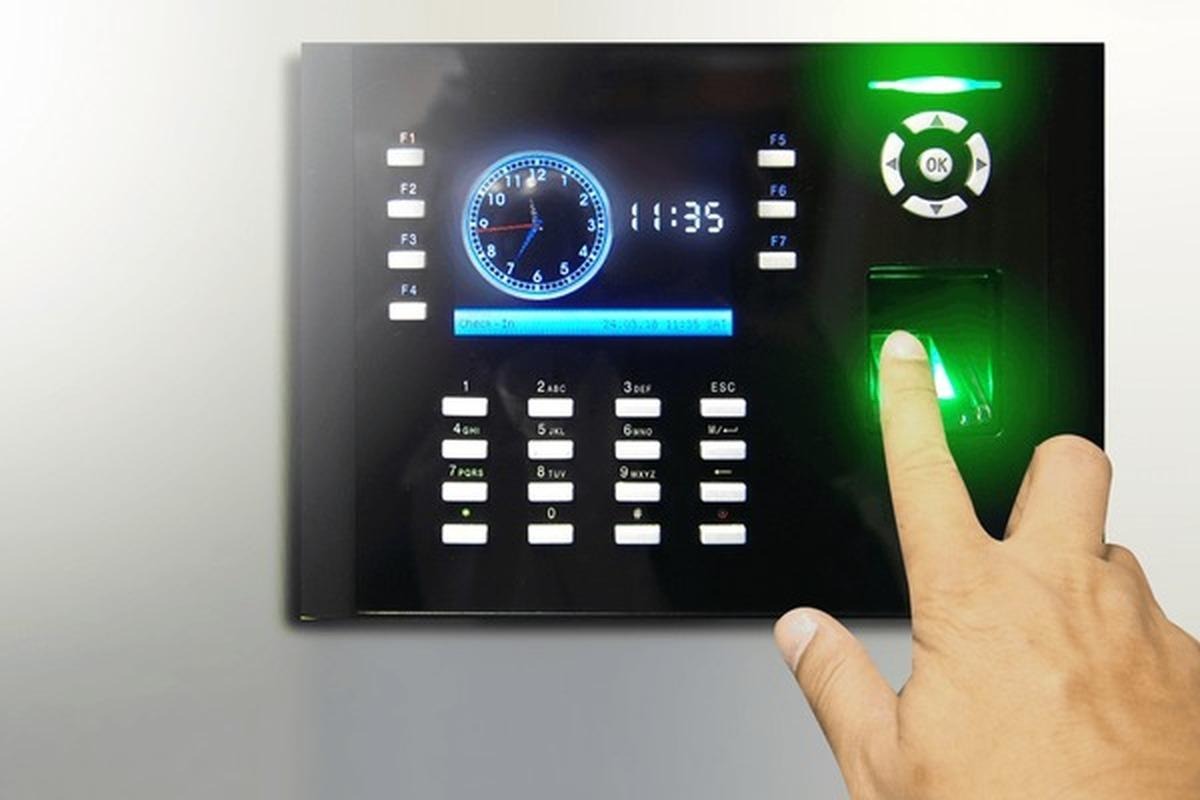
A biometric system that doesn’t talk to your payroll software creates unnecessary manual work. Look for systems that integrate smoothly with popular Australian payroll platforms like MYOB, Xero, or Employment Hero.
Direct integration means attendance data flows automatically into your payroll calculations. No more copying data between systems or worrying about transcription errors. Over time, leave balances and penalty rates can all be calculated accurately based on precise attendance records.
Anti-Spoofing and Liveness Detection Technology
As biometric systems become more common, so do attempts to fool them. Anti-spoofing technology detects fake fingerprints made from silicone or gelatin. Liveness detection confirms that a real, living person is present rather than a photograph or video.
Modern facial recognition systems can detect subtle movements like blinking or ask users to perform random actions. This stops anyone from clocking in their mate using a photo. These security features protect both the business and employees’ identities.
Touchless and Contactless Biometric Options
The pandemic accelerated demand for contactless solutions, and this preference has stuck. Touchless facial recognition and palm vein scanning allow employees to clock in without touching any surface.
Beyond hygiene benefits, contactless systems typically process faster and require less maintenance. There’s no scanner surface to clean or wear out. For high-traffic environments like warehouses or retail stores, this means smoother shift changes and fewer queues.
What Are the Benefits of Using Biometric Attendance Systems in the Workplace?
Eliminating Time Theft and Buddy Punching
Buddy punching—where one employee clocks in for another—costs Australian businesses millions annually. Biometrics make this practically impossible. You can’t lend someone your fingerprint or face.
Time theft through rounded or estimated hours also disappears. The system records exact clock-in and clock-out times to the second. Over a year, even small amounts of daily time theft add up significantly.
Improving Accuracy and Reducing Administrative Burden
Manual timesheets are prone to errors and take hours to process. Biometric systems automate the entire process, freeing your HR team for more valuable work. Data accuracy improves dramatically when human error is removed from the equation.
Disputes over hours worked become rare when you have precise, automated records. Employees can often access their own attendance data through self-service portals, reducing queries to HR.
Enhancing Workplace Security and Compliance
Biometric systems do double duty as access control. The same facial recognition that records attendance can restrict entry to sensitive areas. You’ll know exactly who was where and when.
For compliance purposes, accurate attendance records are invaluable. Fair Work audits become straightforward when you can produce detailed, tamper-proof records at the click of a button.
How Accurate Are Biometric Time Clocks Compared to Traditional Methods?
Modern biometric systems achieve accuracy rates above 99.9% for fingerprint recognition and even higher for multi-modal systems. Compare this to card-based systems, where cards are regularly lost, stolen, or shared.
Traditional PIN systems suffer from forgotten codes and shoulder-surfing. Paper timesheets rely on employee honesty and accurate memory. Biometrics removes these variables entirely, providing verification that’s both more accurate and more convenient.
Are Biometric Attendance Systems Suitable for Small Businesses?
Absolutely. Cloud-based solutions have made biometric systems accessible for businesses of all sizes. You no longer need expensive on-premise servers or dedicated IT staff.
Many providers offer scalable pricing based on employee numbers. A café with ten staff pays proportionally less than a warehouse with hundreds. The return on investment often comes quickly through reduced time theft and administrative savings.
What Are the Privacy Concerns with Biometric Time Attendance Systems?
Australian Privacy Regulations and Biometric Data
In Australia, biometric data is classified as sensitive information under the Privacy Act 1988. Businesses must handle this data carefully, with explicit consent from employees before collection.
You need clear policies explaining what data you collect, how it’s stored, and who can access it. The Australian Information Commissioner provides guidelines that help businesses stay compliant while implementing biometric systems.
Best Practices for Protecting Employee Data
Store biometric templates rather than actual images where possible. Templates are mathematical representations that can’t be reverse-engineered into fingerprints or faces. Use encryption for all stored and transmitted data.
Limit access to biometric data strictly to those who need it. Conduct regular security audits. Have clear data retention and deletion policies for when employees leave.
Choosing the Right Biometric Time Attendance System for Your Business
Start by assessing your specific needs. How many employees? Multiple locations? Field workers? Your answers will guide which features are essential versus nice-to-have.
Request demonstrations from several providers. Ask about Australian-based support, data storage locations, and integration with your existing software. Check reviews from similar businesses and ask for references.
Conclusion: Future-Proofing Your Workforce Management
We’ve covered a lot of ground, from the basics of biometric technology to advanced features like multi-modal recognition, cloud storage, and anti-spoofing capabilities. The key takeaway? Modern biometric time attendance systems offer far more than simple clock-in functionality—they’re comprehensive workforce management tools.
Choosing the right system requires balancing features, budget, and your specific business needs. Don’t overlook privacy compliance, particularly important in Australia’s regulatory environment. The best system is one that your employees will actually use comfortably, whilst giving you the data and security you need.
Looking ahead, biometric technology will only become more sophisticated and accessible. By investing in an advanced system now, you’re not just solving today’s attendance challenges—you’re setting your business up for tomorrow’s workplace demands. Take your time, do your research, and you’ll find a solution that makes workforce management genuinely effortless.sss